

TL;DR:
- Many exclusive Fortnite skins are claimable through account linking, codes, platform promos, or events.
- Staying aware of deadlines, regions, and official channels ensures successful skin claims.
- Avoid scams by only using official Epic Games methods and verified sources for promotions.
You’ve seen another player run past you wearing a skin you’ve never spotted in the Item Shop, and that familiar sting hits immediately. Missing exclusive Fortnite skins isn’t just about cosmetics; it’s about watching a limited window close while you’re stuck wondering where to even start. The good news is that most of those skins are still claimable if you know exactly where to look. This guide breaks down every major method for getting exclusive skins in 2026, from linking accounts to grinding event quests, so you never have to stand on the sidelines of a limited drop again.
Key Takeaways
| Point | Details |
|---|---|
| Official claim methods | Players can claim Fortnite skins via account linking, platform promotions, and event rewards. |
| Avoid risky shortcuts | Account safety is best preserved by skipping unofficial skin generators and sticking to Epic’s channels. |
| Track your claim windows | Always check for promotion deadlines and region restrictions before redeeming codes or joining events. |
| Patience pays off | Rare skins often return via new events or partnerships, rewarding players who stay informed. |
Understanding Fortnite skin claim methods
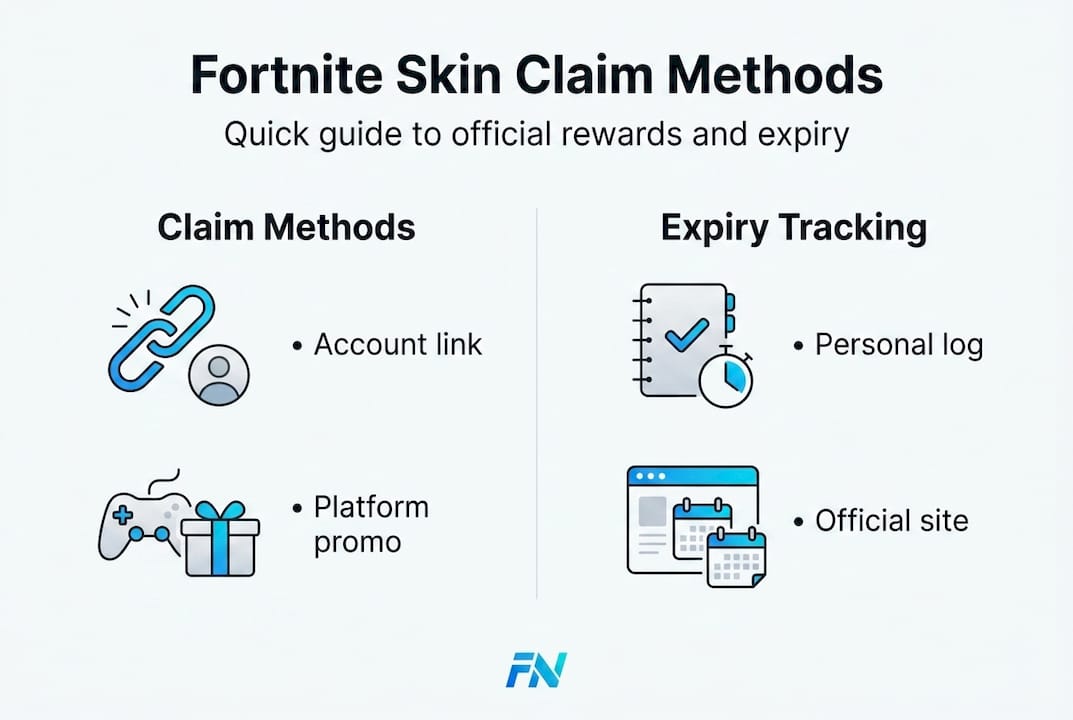
Fortnite hands out exclusive skins through several distinct channels, and knowing which method applies to which skin saves you a lot of wasted effort. Not every skin lives in the Item Shop. Some require you to connect outside accounts, redeem physical or digital codes, complete time-sensitive events, or hold an active platform subscription. Each path has its own rules, and mixing them up is the number one reason players miss out.
Here’s a quick breakdown of the four main claim methods:
- Account linking: Connect your Epic Games account to a partner service (LEGO, MyDisney, PlayStation, Nintendo Switch) to unlock rewards automatically.
- Code redemption: Enter a code from a product purchase, promotional campaign, or partner giveaway on the Epic Games redemption page.
- Platform promotions: Claim skin packs tied to active subscriptions or console-specific bundles, such as PlayStation Plus packs.
- Event and quest rewards: Earn skins by completing in-game tasks, reaching XP thresholds, or placing in official tournaments.
The table below gives you a fast reference for each method:
| Claim method | Requirement | Expiry risk | Typical skin type |
|---|---|---|---|
| Account linking | Partner account + Epic link | Low (some never expire) | Exclusive promotional |
| Code redemption | Valid, region-matched code | High (codes expire quickly) | Limited edition, collab |
| Platform promotion | Active sub or bundle purchase | Medium (packs cycle out) | Platform-exclusive |
| Event / quest | In-game XP or placement | High (hard deadlines) | Seasonal, tournament |
Account linking is one of the most underused methods. Epic-LEGO linking grants you skins like Explorer Emilie and Mr. Dappermint, while linking to MyDisney unlocks the First Order Stormtrooper, and some of these carry no expiry date at all. Code-based claims are trickier because codes are region and platform-specific and do expire, so speed and accuracy matter.
If you want to see just how many skins are available across all methods, checking out accounts with 350 skin promotions gives you a sense of the scale of what collectors have built over time.
Step-by-step: Linking accounts for exclusive skins
Account linking is arguably the cleanest claim method because once you set it up, rewards arrive without any extra steps. Here’s how to do it for each major partner platform:
- LEGO account link: Go to the Epic Games website, sign in, navigate to Account Settings, and select Connected Accounts. Find LEGO and follow the prompts to link your LEGO account. Explorer Emilie and Mr. Dappermint will appear in your locker automatically.
- MyDisney account link: On the same Connected Accounts page, find Disney and complete the Disney account login. Your First Order Stormtrooper skin will unlock once the link confirms.
- PlayStation account link: Link your PSN account through Epic’s Connected Accounts page or through the PlayStation app. This also sets up your eligibility for PlayStation-exclusive skin packs.
- Nintendo Switch link: If you play on Switch, connecting your Nintendo account via Epic’s settings can unlock platform-specific cosmetics during active promotions.
A few things to keep in mind before you start. Linking grants permanent rewards for certain skins with no expiry window, which means you can link at any time and still receive them. That said, always complete linking directly through the official Epic Games website, not through third-party redirect pages.
Pro Tip: Set a monthly reminder to check the Connected Accounts section for new partner additions. Epic quietly adds new linking rewards throughout the year, and many players only discover them weeks after they go live. Some of those limited-time skin unlocks do have windows that close, so staying aware is the difference between claiming and missing out.
Account linking is also one of the safest claim methods because you’re working directly within Epic’s infrastructure. No codes to lose, no purchase required, just a few clicks and your locker gets updated.
Claiming skins through platform promotions
Platform promotions give console players access to skins that PC-only users simply cannot get through standard channels. These promotions are tied to active subscriptions, console bundles, or limited publisher partnerships.
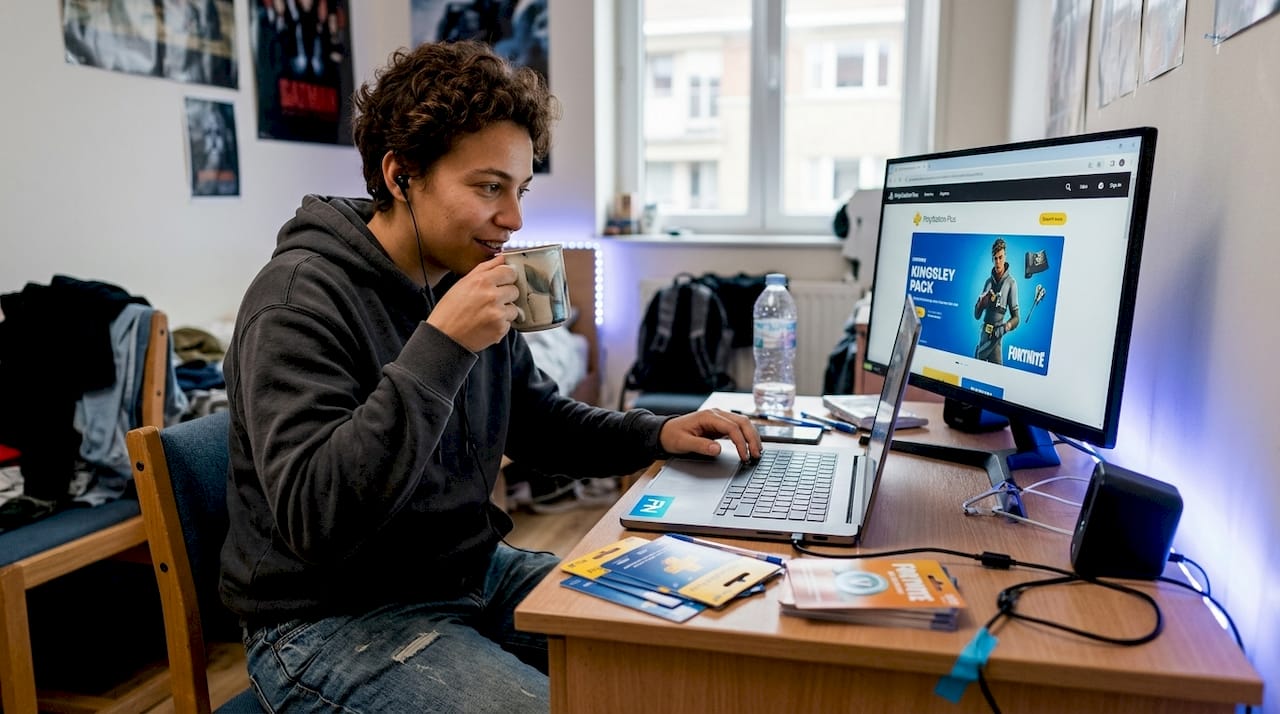
PlayStation Plus packs like Kingsley (which expired December 2025) and Shinji have been some of the most talked-about platform exclusives in recent seasons. To redeem them, PS Plus subscribers navigate to the PlayStation Store, search for the skin pack, and add it as a $0 purchase. The skin then links to your Epic account through your connected PSN profile.
Here’s a summary of how platform promotions typically work:
| Platform | Method | Requirement | Notes |
|---|---|---|---|
| PlayStation | PS Store $0 purchase | Active PS Plus subscription | Packs rotate; check monthly |
| Xbox | Microsoft Rewards / bundles | Active subscription or hardware | Availability varies by region |
| Nintendo Switch | Connected account promotions | Nintendo account linked to Epic | Seasonal only |
Common pitfalls with platform promotions:
- Lapsed subscription: PS packs require your PS Plus membership to be active at the time of redemption. If your sub lapses, the pack won’t apply.
- Region mismatch: Some packs are exclusive to specific regions. A code or pack available in North America may not appear in your local PS Store.
- Missed redemption window: Packs like Kingsley set a hard expiry date. Once the window closes, the skin is gone.
Pro Tip: Before buying or renewing a platform subscription purely for a skin, check whether the pack is still live. Search the platform’s store directly rather than relying on third-party articles, because expiry dates shift without much public announcement. If you want a broader selection without the subscription dependency, exploring PlayStation Plus skin packs available through curated accounts is worth a look.
Event, quest, and tournament skin rewards
This is where Fortnite rewards patience and consistency. Event skins are earned through active gameplay, and the requirements vary from XP thresholds to top-tier tournament placements.
The Jess skin is a strong current example. Earning 350,000 XP in Save the World unlocks it, and Save the World itself has been free to play since April 16, 2026. The claim deadline sits at June 5, 2026, making it one of the most accessible limited skins available right now for any player willing to put in the time.
Here’s how to claim event and quest skins efficiently:
- Confirm the event is active and check the exact deadline on the official Fortnite news page.
- Launch the required game mode (Save the World for Jess, for example).
- Complete daily quests first, as these give the highest XP per session.
- Track your XP progress in the quest tab to see how close you are to the threshold.
- Once the XP goal is hit, the reward should appear in your locker automatically.
Tournament skins sit in a different category entirely. The Champion Kor skin was available for top placements in FNCS Cups, with eligibility requiring players to finish in the top 1,175 in their respective region. That particular event ran in April 2026, so it has passed, but FNCS events cycle regularly.
Don’t sleep on event skins just because they look like a grind. Some of the rarest skins in 2026 lockers came from quests that most players dismissed as too much work.
For a full look at what event rewards overview can add to your collection, having enough V-Bucks ready for post-event shop releases is smart planning.
Troubleshooting, expiry, and avoiding scams
Even when you do everything right, claims sometimes fail. Before you panic, run through this checklist:
- Is the claim window still open? Most events, packs, and codes have hard expiry dates.
- Is your Epic account region matching the code’s region? A North American code will not work on a European account.
- Is your platform subscription active? PS packs require an active sub at the exact time of redemption.
- Did you link accounts from the official Epic Games site, not a redirect?
- Has the skin already been added to your locker but doesn’t show in the lobby? Try restarting the game client.
Now for the part that too many guides gloss over: scams. They are everywhere, and they are convincing.
If a site promises free skins in exchange for your login credentials or asks you to run a generator, it’s a scam. Full stop.
Skin generators and unofficial sites put your account at immediate risk of theft or permanent banning. Epic does not partner with external generator tools, and no legitimate promotion will ever ask for your password. The only safe claim channels are the Epic Games website, the official in-game store, and verified platform storefronts.
Pro Tip: If you’re unsure whether a promotion is real, go to the official Epic Games news page and search for the skin name. If it’s not listed there, don’t trust it.
For tracking skin expiration info across different promotions and bundles, keeping a simple personal log with claim deadlines helps you stay organized and ahead of the expiry curve.
Our take: What most guides miss about claiming Fortnite skins
Most skin guides obsess over the immediate drop and ignore everything that comes after. The players who consistently build the most impressive lockers aren’t the ones who react fastest to a single event. They’re the ones who track the ecosystem: new brand partnerships announced on Epic’s blog, small in-game news tickers previewing upcoming quests, and even official social media posts hinting at collab windows before they go public.
Patience also pays off in a way that impulse decisions don’t. We’ve seen players hand over account credentials to generators or shady sites and lose everything they spent months collecting. The risk is never worth it when legitimate methods, while sometimes slower, always deliver. Staying subscribed to official channels and checking advanced skin bundles from verified sources gives you consistent, safe access to rare cosmetics without gambling your account.
The real edge is information, not speed.
Level up your Fortnite collection with FN Marketplace
If you’ve followed every method in this guide and you’re still looking to push your collection further, FN Marketplace is built exactly for that next step.
At fnaccounts.com, you can find rare skin bundles with verified accounts loaded with exclusive, OG, and themed cosmetics delivered instantly to your email. If you’d rather build your own locker on your current account, stacking up with V-Bucks offers lets you hit the Item Shop ready for every seasonal drop. Every purchase comes with a free warranty and competitive pricing, so you get more skins with less risk.
Frequently asked questions
Can I claim Fortnite skins without paying any money?
Yes, several skins are completely free through account linking and event rewards. For example, Epic-LEGO linking gives you Explorer Emilie and Mr. Dappermint with no purchase needed.
What should I do if my code for a skin isn’t working?
First check if the code has expired or is locked to a different region. Always redeem codes via Epic directly on the official Epic Games website, not through third-party tools.
Are skin generators or free skin websites safe?
No. Generators and unofficial sites are scams that can result in account theft or a permanent ban. Stick to official Epic Games channels only.
How do I know if an event skin can still be claimed?
Check the event’s official deadline before you start. For example, the Jess skin requires 350k XP in Save the World and must be claimed before June 5, 2026, so always verify deadlines on the official Fortnite site.