

You grind for hours, drop into matches, and still watch other players flex OG skins you can’t get anywhere anymore. That feeling of being locked out of rare Fortnite cosmetics is real, and it drives thousands of players to look for ways to upgrade their accounts. The good news is that upgrading safely is absolutely possible, whether you’re switching platforms, picking up a verified account loaded with rare assets, or preserving your current progress. This guide walks you through every step so you know exactly what to do, what to avoid, and how to land rare skins without risking your account.
Table of Contents
- Understanding account upgrades and risks
- Preparing for a safe Fortnite account upgrade
- Step-by-step: How to upgrade your Fortnite account
- Verifying upgrade success and troubleshooting
- A smarter approach to upgrading Fortnite accounts
- Upgrade your Fortnite account instantly with verified skins
- Frequently asked questions
Key Takeaways
| Point | Details |
|---|---|
| Upgrade safely | Always use official migration options or trusted marketplaces to protect your account and assets. |
| Prepare thoroughly | Gather logins, enable 2FA, and make backups before starting the upgrade process. |
| Verify every step | Check rare skins and items after upgrading and contact support if anything is missing. |
| Avoid shortcuts | Unverified sites and unofficial trades risk bans and lost assets, costing you more in the long run. |
Understanding account upgrades and risks
When players talk about upgrading a Fortnite account, they usually mean one of a few things. Some want to add rare skins or emotes they can’t earn anymore. Others need to move their account from one platform to another, like from Apple to Epic Games directly. A smaller group wants to start fresh with a premium account already stacked with exclusive cosmetics. All of these count as upgrades, and all of them come with their own set of risks if you’re not careful.
The types of upgrades you’ll encounter fall into a few clear categories:
- Skin and cosmetic upgrades: Buying or receiving accounts with rare, limited, or OG skins already attached
- Platform migrations: Moving your account from Apple, Google, or console to an Epic Games login
- Account merges: Combining V-Bucks or cosmetics from multiple accounts (note: Epic ended this program in 2019)
- Third-party account purchases: Buying a pre-loaded account from a marketplace
The biggest risks in this space are scams, bans, and permanent asset loss. Unofficial trading sites often sell accounts that get clawed back by the original owner or flagged by Epic’s detection systems. If you buy from an unverified source, you could lose every skin and emote the moment you log in. Platform migrations like Apple to Epic can be safe when you use official tools, but unofficial workarounds almost always backfire.
Here’s a quick comparison of verified versus unverified accounts:
| Feature | Verified account | Unverified account |
|---|---|---|
| Proof of ownership | Yes | Rarely |
| Warranty or support | Yes | No |
| Risk of ban | Very low | High |
| Asset retention | Guaranteed | Not guaranteed |
| Instant delivery | Common | Inconsistent |
Verified accounts come from platforms that vet their inventory before listing. Unverified ones often come from random sellers with no accountability. The difference in long-term value is enormous.
“If it sounds too good to be true, it usually is. A $5 account with every OG skin ever released is almost certainly a scam or a stolen account waiting to be recovered.”
If you want to explore the Fortnite upgrade process with a trustworthy source, always start by confirming the platform’s verification standards before spending a single dollar.
Preparing for a safe Fortnite account upgrade
Preparation is where most players drop the ball. They get excited about a rare skin, rush through the process, and end up locked out of their account within 48 hours. Don’t let that be you. Before you do anything, gather the following:
- Your current Epic Games email and login credentials
- A secondary backup email you control
- Two-factor authentication (2FA) set up on your Epic account
- Your Epic account ID (found in account settings)
- A list of your current cosmetics as a reference point
Here’s how official and third-party upgrade requirements compare:
| Requirement | Official Epic migration | Third-party marketplace |
|---|---|---|
| Email verification | Required | Required |
| 2FA enabled | Strongly recommended | Required |
| Platform account access | Must be active | Not always needed |
| Identity confirmation | Sometimes required | Varies by platform |
| Processing time | Varies | Usually instant |
One critical point: switching platforms must be done before access expires to keep your assets intact. If you’re on Apple and your access lapses before you migrate, your skins and V-Bucks may not carry over. This is a time-sensitive step that catches players off guard.

For edge cases like Apple-to-Epic migrations, follow the official migration steps published by Epic and linked through trusted sources. Don’t rely on YouTube tutorials from random channels since these often skip critical verification steps.
Pro Tip: Enable 2FA before you start any upgrade. It protects your account from unauthorized access during the transition window, which is when accounts are most vulnerable to takeover attempts.
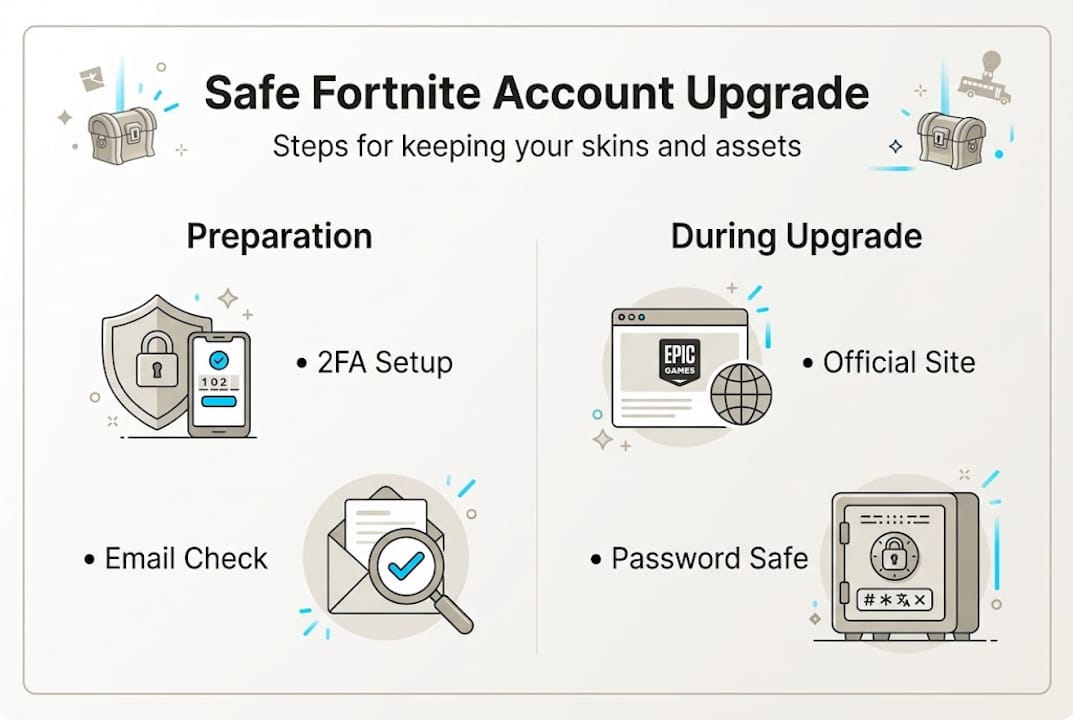
Also, avoid any site that asks you to share your password directly. Legitimate platforms and marketplaces never need your current login password to complete a transfer. That request alone is a red flag.
Step-by-step: How to upgrade your Fortnite account
Once you’ve completed your preparation checklist, you’re ready to move forward. Here’s the exact process for both official upgrades and verified marketplace purchases:
- Log in to your Epic Games account at epicgames.com and navigate to account settings. Confirm your email is verified and 2FA is active.
- Document your current inventory. Screenshot your locker so you have a clear record of every skin, emote, and pickaxe you own before any changes.
- Choose your upgrade path. If you’re migrating platforms, use Epic’s official connection tool under the “Connected Accounts” section. If you’re buying a pre-loaded account, choose a verified marketplace.
- Verify the account you’re buying. A legitimate seller will show you the account’s locker contents, confirm the email is transferable, and provide a warranty. Never buy blind.
- Complete the transfer. For marketplace purchases, you’ll receive new login credentials by email. Change the password immediately after logging in for the first time.
- Enable 2FA on the new account. Do this before you do anything else. It locks down the account and prevents the previous owner from recovering it.
- Check your inventory. Confirm every promised skin, emote, and asset is present. If anything is missing, contact support right away.
Progress can be preserved when moving between platforms if you use official tools and act before any access window closes. Skipping steps here is what causes most post-upgrade headaches.
Pro Tip: Never share your login credentials outside of the official Epic Games website or a verified marketplace’s secure transfer system. Even a trusted friend’s device can expose your account to risk if it’s compromised.
For a streamlined experience, the FN Marketplace upgrade steps are designed to make this process as fast and secure as possible, with instant email delivery and built-in warranty protection.
Verifying upgrade success and troubleshooting
After completing your upgrade, verification is not optional. It’s the step that confirms you actually got what you paid for and that your account is fully secured.
Start by checking your locker immediately after logging in. Compare what you see against the screenshots or listing details you saved earlier. Every rare skin, emote, and pickaxe should be present. If something is missing, don’t wait.
Common post-upgrade problems and quick fixes:
- Missing items: Log out and back in. Sometimes the inventory takes a few minutes to sync across servers.
- Login issues: Use the “Forgot Password” option with your new email to reset and regain access.
- Verification delays: Check your backup email for any pending confirmation messages from Epic.
- Account flagged: If Epic sends a security alert, complete their verification process immediately to restore full access.
- 2FA not working: Regenerate your backup codes from the Epic security settings page.
“Using official migration paths is the safest way to guard your assets during account upgrades.”
If your upgrade appears to have failed entirely, contact Epic Games Support without delay. Don’t attempt workarounds or third-party recovery services, as these often make the situation worse. Epic’s support team can verify account ownership and restore access in most legitimate cases.
Your final security checklist after any upgrade:
- Password changed to something unique
- 2FA enabled and backup codes saved
- Recovery email confirmed and accessible
- Locker inventory verified against listing
- Epic account name updated if desired
A smarter approach to upgrading Fortnite accounts
Here’s something most guides won’t tell you: the players who lose the most in account upgrades are not the ones who got scammed by obvious fakes. They’re the ones who trusted a semi-legitimate source and skipped one verification step. That single skipped step is what opens the door to a recovery claim or a ban.
Serious collectors know that the cost of a verified account from a reputable marketplace is almost always lower than the cost of recovering from a bad deal. You lose time, you lose skins, and sometimes you lose the account entirely. Switches made via official tools preserve skins and progress when performed before expiration, but that window can close fast.
The players who build impressive lockers over time prioritize peace of mind over price. They use verified sources, they follow the steps, and they don’t cut corners to save a few dollars. The FN Marketplace experience is built around this mindset, offering accounts that are checked, warranted, and delivered instantly so you spend more time playing and less time worrying.
Shortcuts cost more. Verified paths pay off.
Upgrade your Fortnite account instantly with verified skins
Now that you know how to upgrade safely, the fastest way to get there is through a platform built for exactly this purpose.
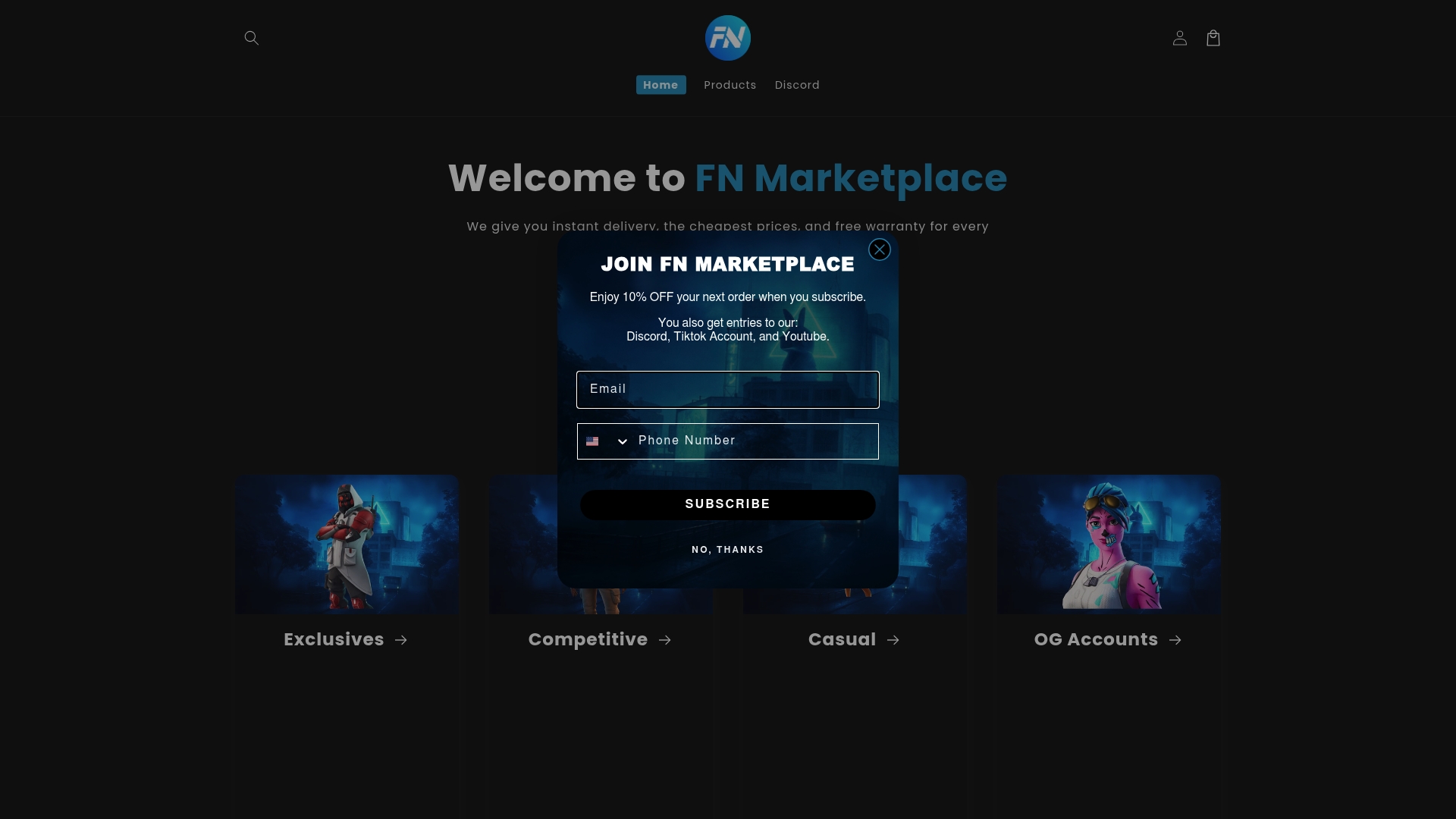
FN Marketplace offers a wide selection of verified Fortnite accounts loaded with rare skins, exclusive emotes, and premium pickaxes, all delivered instantly to your email. Whether you’re hunting for an account with 350+ skins or something truly elite like the FNCS Axe of Champions, every listing is verified, warranted, and ready to play. No waiting, no guessing, no risk. Just log in and drop into your best match yet.
Frequently asked questions
What are the safest ways to upgrade my Fortnite account?
The safest methods are official platform migrations that preserve your progress, or purchasing from a verified marketplace that guarantees account legitimacy and provides a warranty.
Will I lose my rare skins if I switch platforms?
Not if you act in time. Switching via official tools keeps your skins and progress intact, but only if you complete the migration before your platform access expires.
How can I tell if an upgraded Fortnite account is verified?
A verified account comes from a trusted marketplace that provides proof of purchase, shows the full locker before you buy, and backs the transaction with a warranty or support guarantee.
What should I do if something goes wrong during the upgrade?
Contact Epic Games Support immediately if you lose access or assets. Avoid third-party recovery services, as they can complicate the process and delay resolution.